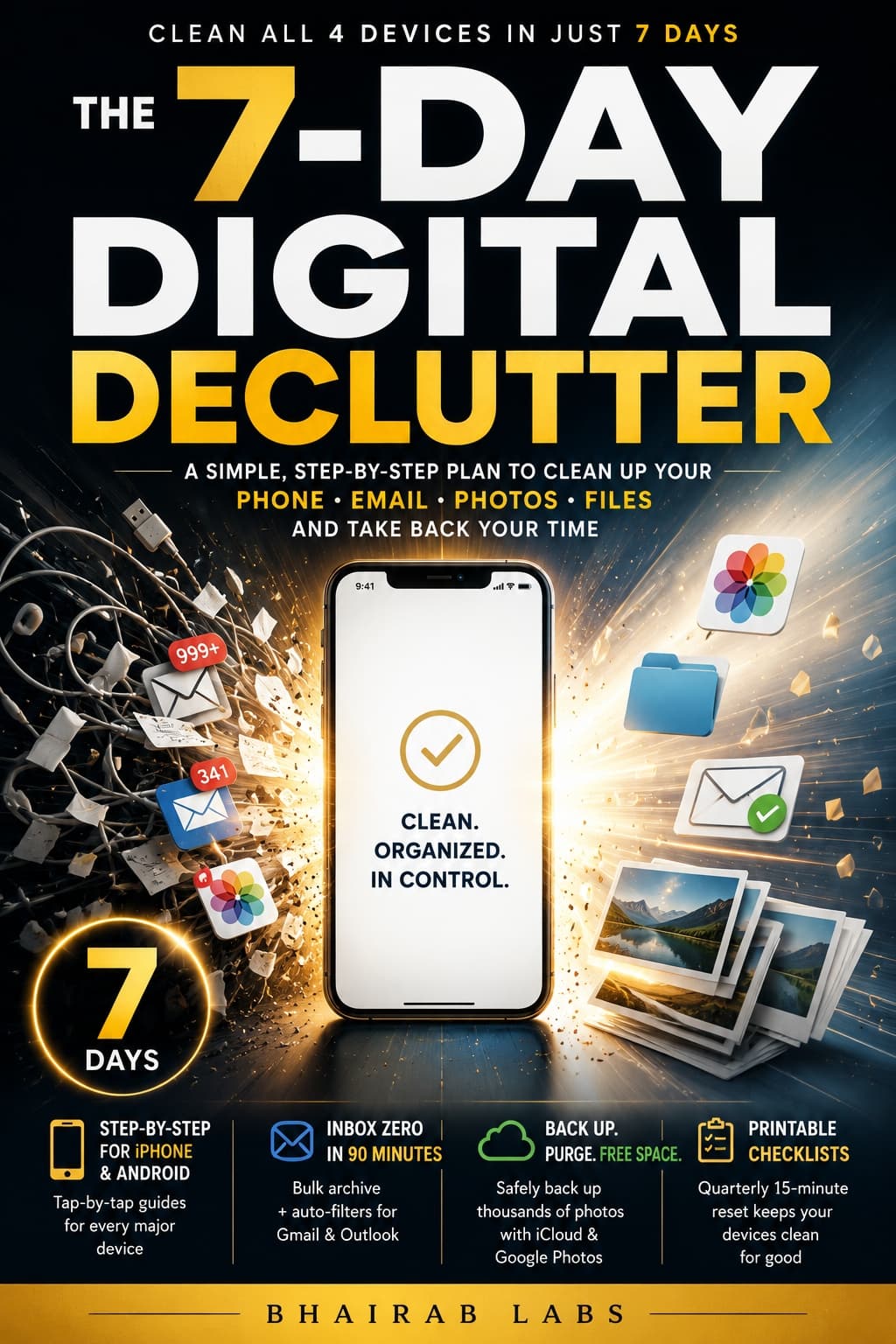
The 7-Day Digital Declutter
A Tap-by-Tap Cleanup System for Non-Techies — Phone, Email, Photos, and Files Done in One Week
Who it's for
Non-technical adults (often 35+) with a full phone, thousands of unread emails, disorganized photos, and messy files who feel overwhelmed and want a fast, guided fix rather than a lifestyle change.
About this book
Your phone says 'Storage Full.' Your inbox has 40,000 unread emails. Your photos aren't backed up — and your new phone arrives next week.
You've tried to deal with it. You open the settings, stare at the numbers, and quietly close the app again. Maybe you even bought a book about it — and got 200 pages of philosophy about why screens are ruining your life, without a single instruction on what to actually tap.
The mess isn't getting smaller. And every day you ignore it, it quietly gets worse.
Here's the truth nobody in this space will tell you: your devices aren't that hard to fix. You just need someone to show you exactly what to tap, in what order, on your actual phone — not a tech blogger's hypothetical one.
That's the only thing this book does.
The 7-Day Digital Declutter is a no-philosophy, tap-by-tap cleanup system for non-technical adults who want their phone, inbox, photos, and files genuinely clean by the end of the week — not a new digital lifestyle, not a mindfulness practice, just results you can measure.
By Day 7, you will have freed real gigabytes on your phone, reached inbox zero (or close enough it won't keep you up at night), confirmed your photos are safely backed up and organized, and set up a four-folder file system that lets you find anything on your computer in 30 seconds. You will see before-and-after numbers. The work will be done.
This book was built on one principle: if an instruction requires you to already know something, it is a bad instruction. Every step in this guide was written for someone who finds technology frustrating, not someone who enjoys it. No jargon is left unexplained. No step assumes you already know where to look.
If you have been waiting for the right moment to fix this — a moment that never quite arrives — this is the system that makes this week the week it actually gets done.
Scroll up and grab your copy today. Your storage space is waiting.
What's inside
- Day-by-day rescue plan — one focused 60-to-90-minute mission per day covering all four devices, with time estimates so you always know when you are done
- Parallel iPhone and Android instructions — every phone step written twice, so you are never left guessing which button your screen actually shows
- Bulk-clean your inbox without reading a single message — a bulk-archive strategy, an unsubscribe system, and automatic filters for both Gmail and Outlook that keep the flood from returning
- Photo backup and purge system — exact steps for Google Photos and iCloud, including how to safely delete from your phone only after backup is confirmed, so you never lose a memory
- The foolproof four-folder file system — a naming convention anyone can follow and a bulk-sort session for Windows and Mac that ends the era of 'final FINAL v3' documents
- A 15-minute quarterly reset routine — a simple maintenance checklist that keeps all four devices clean long after the week is over
- Printable checklists and quick-reference appendix — every step organized by device so you can run the whole system again without opening a single chapter
Chapters
- 1No Manifesto, Just Cleanup — What This Book Does (and Refuses to Do)
- 2Day 1 — Rescue Your Phone Storage (iPhone and Android, Step by Step)
- 3Day 2 — Delete the App Swamp: Reclaim Your Home Screen and Your Sanity
- 4Day 3 — Photo Rescue: Back Up, Purge, and Never Lose a Memory Again
- 5Day 4 — Inbox Zero Is Real: Cleaning Up Email Without Reading Every Single Message
Show all 9 chaptersShow fewer
- 6Day 5 — Tame the Email Fire Hose: Rules, Filters, and a Inbox That Sorts Itself
- 7Day 6 — The File Chaos Fix: Finding Anything on Your Computer in 30 Seconds
- 8Day 7 — The Finish Line: Your Final Sweep and the 15-Minute Quarterly Reset
- 9Your Toolkit: Printable Checklists, Troubleshooting Tables, and Your Quick-Reference Guide